built the official design system for Newton School spanning across two business verticals
The full overview covers tokenization, components usage, nomenclatures and the complete thought process
How we created an Extensive Color Token System for gra.UI.ty
Each color has a purpose and the purpose of using a color has to be clear. It is generally used to highlight important areas, communicate status & directs attention.
With every usage, each color within the gra.UI.ty Design System is tied to a specific purpose and we did this by defining standards for communicating what’s necessary using differing hues.
Initial/Old Color System
The very initial color system at Newton School was doing the work but it was not at all scalable; it wasn’t handling themes very well and there were multiple edge cases where we were lacking the intricacies of a well defined system.
Initially, the nomenclature for these color tokens were only defined by two keywords, first being the type of element followed by it’s hierarchy & this resulted in the system being constraining in terms of actions, states like default, hover, active etc. For Example:
--text-primary
--bg-brand
Not only this, but there were some color tokens being used with 3 or 4 keywords, breaking the consistency across color tokens For Example:
--bg-brand-action
Another problem being, there was no system for different lightness values across same colors which resulted in the system being very constraining when designing things out… Reach out for complete overview
Tokenizing Typography & Scaling it for better usage for Designers & Devs
Typography plays a very crucial role in defining hierarchy within the designs. Different font sizes, weights, line heights & letter spacing convey different levels of importance and respective significance of the information displayed
Typography without a System
In our legacy design system, typography was pretty much solid in terms of our constrained usage but we had to improve it’s usage and how we handle typography in Figma as well as in development.
As with any other small design system, our legacy system had typography styles which were being used to design all screens but a major problem in this usage was how would we handle the changes in our typographic system because their base levels variables for font sizes, font weight, line heigh and letter spacing were not tokenized and only hardcoded values were being used in these typography styles.
This restricted us to scale the type system as we would like it.
Adding Base Tokens for Typography
It took us lesser number of sittings to fixate upon the final system that we would like for typography but those were rather longer sessions because each typography style earlier being used had percentage values and to tokenize the values for font weight, size etc. we’d have to convert them to px values while simultaneously checking for improvements on the
legacy type system… Reach out for complete overview
A quick brown fox jumps over
|
|
Creating Internal Prism Icon set for gra.UI.ty
We at Newton, have a created a custom icon set to cater a specific the company’s needs. Designing a library of icons requires a set of rules. These rules, or icon design principles, will help you maintain a consistent style across all icons and will prove particularly useful if you’re part of a team that collaborates on the creation of an icon family.
Style & Definition
While defining the icon style, we needed to keep in mind the alignment with the font. We had to find an icon set whose illustration style would match the nature of the font which is minimal and easy to understand.
Font Pairing
When we observed the features and the movement (glyphs) of our font Mona Sans, we noted that it consisted of sharp terminals and curved spines. This led us to believe that an icon with sharp edges would suit the font. But when we explore further we realized that visually rounded edges looked better with Mona Sans… Reach out for complete overview
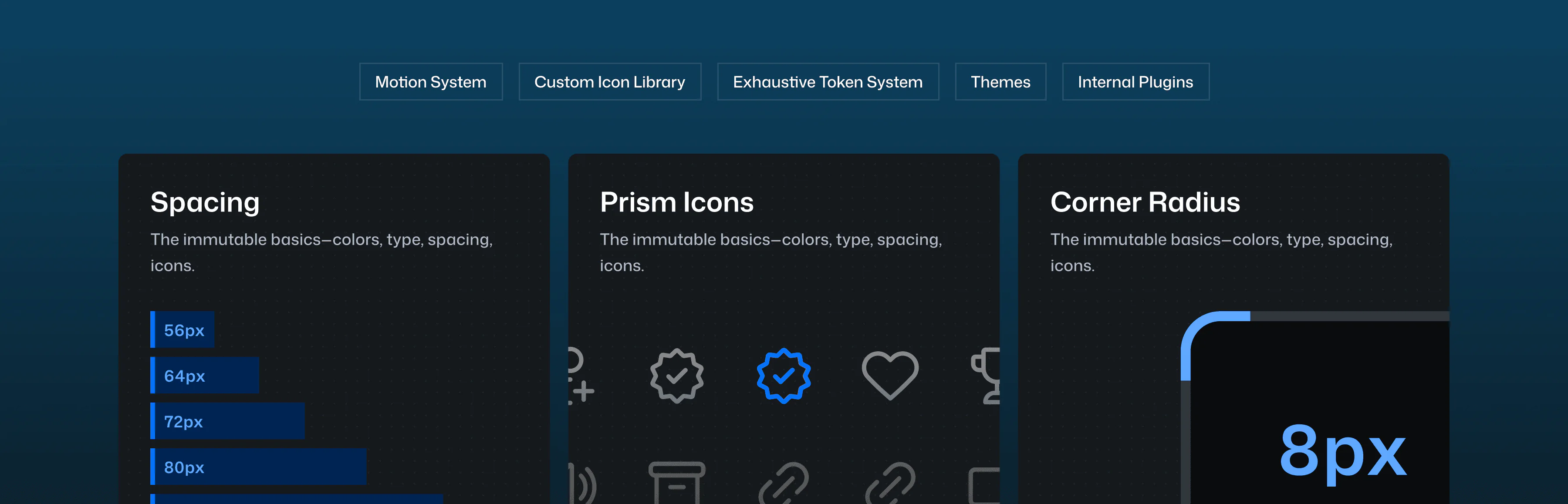
Defining Spacing Tokens to standardise better spacing usage in our system
Audit Before Standardisation
Working upon these spacing tokens was rather simple comparatively since we knew what we wanted and it only took us a cute little audit of our designs to finalise what we needed to create.
Defining Spacing Tokens
The spacing tokens followed a similar naming convention as with corner radius to maintain consistency across
tokens.… Reach out for complete overview
56px
64px
72px
80px
128px
160px
The full overview covers tokenization, components usage, nomenclatures and the complete thought process